INDEPENDENT RESEARCH
266Participants in email research
A 2026 study examined clarity and willingness to act. This is the study sample, not a percentage saving or an inbox-performance guarantee.
Read the study and its limits ↗CUSTOMER SERVICE · AUTOMATE PLANET GUIDE
Turn a crowded inbox into a clear next step.
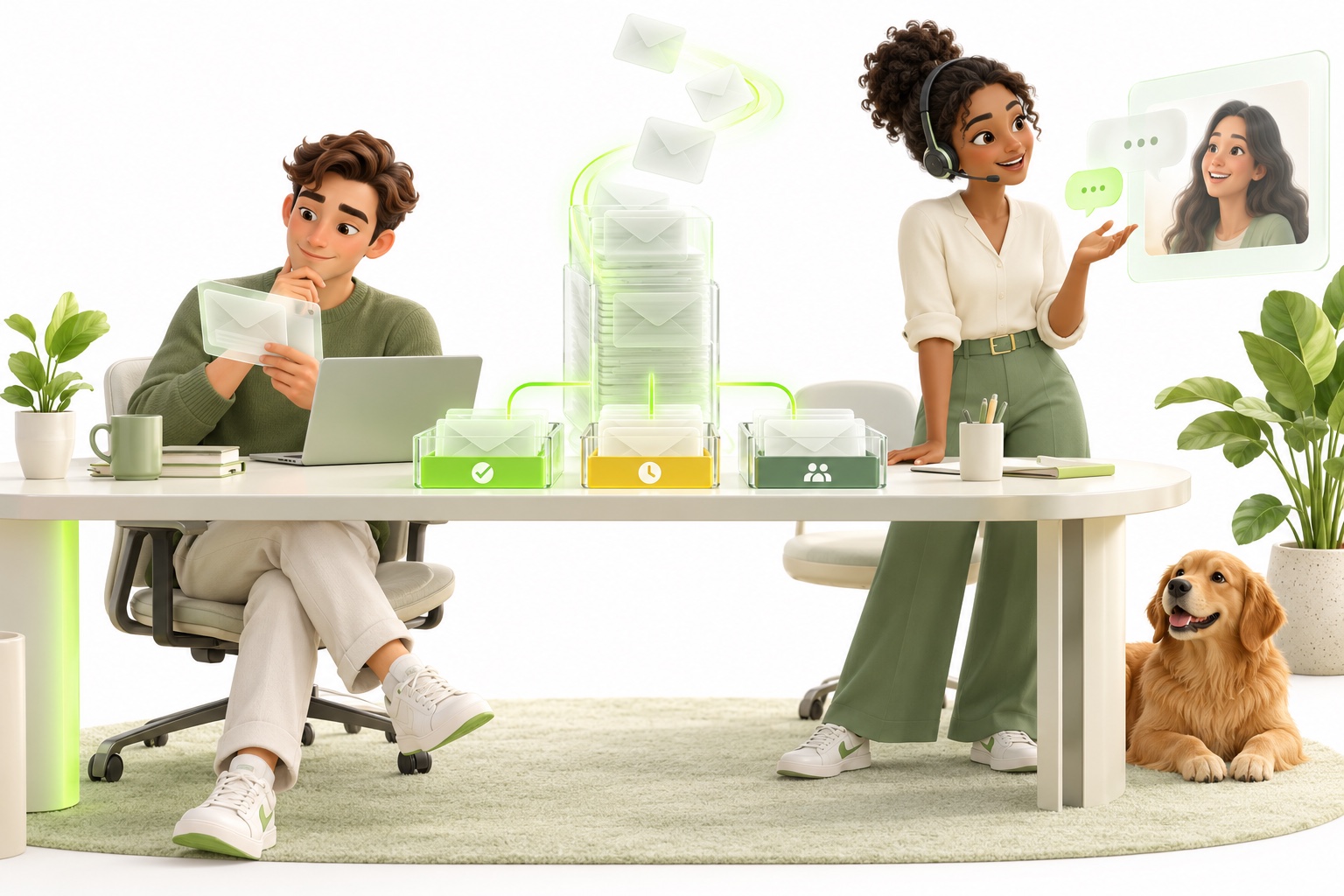
An AI email agent can classify incoming service requests, find approved information, draft a useful response, and route work to the right team. Depending on the risk and workflow, it may send approved routine answers or prepare replies for human review.
Prepared by Automate Planet · Reviewed
DESIGNED AROUND YOUR NEXT STEP
Watch an inquiry become a categorized request, a grounded draft, and a clear approval decision.

YOUR TEAM + YOUR AGENT
Illustrative workflow. No messages, bookings, or records are created.
EVIDENCE, WITH CONTEXT
INDEPENDENT RESEARCH
266A 2026 study examined clarity and willingness to act. This is the study sample, not a percentage saving or an inbox-performance guarantee.
Read the study and its limits ↗THE WORKFLOW WE DESIGN
3Answer from approved knowledge, use a permitted action, or hand off to your people. Each path needs its own acceptance tests.
YOUR OWN SCORECARD
4Resolution quality, completed next steps, staff handling time, and client feedback. Review the full journey, including exceptions.
Research is not an Automate Planet result. The workflow counts describe our approach, not live customer activity.
COMPARE THE WAY WORK GETS DONE
Typical workflow differences. Provider capabilities, staffing, and integrations vary; confirm the exact scope before choosing.
| What matters | Autoresponder | Manual service inbox | Configured AI email agent |
|---|---|---|---|
| Response | Acknowledges receipt with a template. | A person reads and writes the reply. | Classifies the request and prepares a relevant response. |
| Knowledge | Fixed text or links. | Staff consult documentation and records. | Drafts from approved knowledge and permitted records. |
| Sending control | Sends when a rule triggers. | Staff approve every outgoing message. | Rules choose automatic response, review, or escalation. |
| Attachments | Usually not interpreted. | Staff inspect files as appropriate. | Supported file types and safe handling must be explicitly scoped. |
| Exceptions | Usually sends the same acknowledgement. | Staff use judgment and follow up. | Routes uncertainty, sensitive topics, and conflicting details. |
| Best fit | Receipt and expected-response notices. | Complex or relationship-sensitive requests. | Repeated inbox categories with a dependable review process. |
We’ll map the knowledge, actions, and handoff your team needs.
WHAT YOUR DEPLOYMENT INCLUDES
Discovery, configuration, integration planning, testing, and refinement turn a promising demo into a workflow your team can use.
Deliverables, supported languages, capacity, access permissions, retention, and support are confirmed in your scope. A demo does not imply an existing connection to your systems.
THE PRACTICAL IDEA
Order questions, appointment changes, location requests, document checklists, and repeated policy questions are common candidates. We define which topics are safe to automate, which require a reviewer, and how a customer is identified before account-specific information is used.
WHERE IT HELPS
Recognize intent and urgency so an inquiry reaches the right queue.
Use current knowledge and compatible records to prepare a specific, readable response.
Pass along the original request, verified details, and actions taken for a human handoff.
BUILT WITH YOUR TEAM
We agree the knowledge, permissions, handoffs, and compatible connections before any live workflow is enabled.
Sample real categories, attachments, response patterns, privacy needs, and bottlenecks.
Choose topics for automatic replies, human review, or immediate escalation.
Test factual accuracy, tone, uncertain requests, and exception handling with staff.
MEASURE YOUR OWN BASELINE
These are measures to discuss, not predicted improvements. We compare actual results with your starting point and refine the scope with your team.
EVIDENCE AND GUIDANCE
These independent findings and official guidelines inform our approach. They are not Automate Planet client results or guaranteed outcomes.
International Journal of Human-Computer Studies · 2026 · volume 210
In a study of 266 participants, LLM-generated emails were clearer than human-written emails. Emotional tone mattered to recipients’ willingness to act, showing why effective email needs more than fluent wording.
This study evaluated communication, not autonomous inbox operations. Clearer emails did not automatically produce greater willingness to act; it does not establish handling-time savings or revenue uplift.
For your business. Our application: configure clear answers and appropriate tone around your policies, with review for sensitive messages. Evaluate accuracy, customer understanding, and completed next steps.
Read the primary sourceCOMMON QUESTIONS
An AI email agent classifies incoming messages, uses approved information to draft responses, and routes requests to the right team. It may send certain routine replies only when that action is included in the approved workflow. Drafting and sending are separate permissions.
Yes. A draft-only deployment can require a person to review every response. Teams can later choose narrowly defined categories for automatic sending after testing. Approval decisions should remain visible in the workflow.
An autoresponder sends predetermined text after a trigger. An AI email agent can interpret the request and prepare a more specific answer from approved information. That flexibility requires factual checks, clear permissions, and a route for uncertainty.
Potentially. We assess the mailbox or ticketing platform, access permissions, assignment rules, and message identifiers. The implementation must prevent duplicate replies and preserve the conversation history for staff.
Attachment handling is a separate scope decision. Supported formats, size limits, malicious-content handling, and sensitive-data rules must be defined and tested. An agent should ask for help when it cannot reliably read a document.
Use maintained knowledge, restrict actions and data access, require review for risky categories, and test incomplete or conflicting requests. Incoming email is treated as customer content, not permission to change system instructions or disclose other records.
The cited study of 266 participants found clearer LLM-generated emails, but clarity alone did not increase willingness to act. It supports testing message quality and tone; it does not measure autonomous inbox savings. We evaluate handling time, accuracy, and customer outcomes in your own workflow.
Service email and marketing campaigns are different workflows. Newsletters need approved audiences, sender authentication, suppression, unsubscribe handling, and campaign review. Our email marketing service covers that separate use case.
Choose a frequent, well-documented category such as service preparation questions. Begin with drafts for review, measure corrections and handling time, and expand only after the team is satisfied with accuracy and routing.
LET'S DESIGN A USEFUL START
WHAT WE IMPLEMENT WITH YOU
Agree categories, knowledge sources, reply permissions and escalation rules. The agent can help organize routine questions and prepare approved next steps; attachments, identity checks and record updates need explicit scope.
Your people stay involved. Assign an inbox owner for sensitive messages and unusual cases.
LET’S PUT AI TO WORK
Tell us what you want to make easier. We’ll help connect the right people, processes, and AI.
A one-hour consultation to explore your goals, workflows, and opportunities.