
USE CASE · RESTAURANT OPERATIONS
An order is useful only when the right details reach the team.
Follow a guest’s choice from a mobile menu to a staff-reviewed kitchen handoff, with the exceptions that make or break the experience.
THE SHORT ANSWER
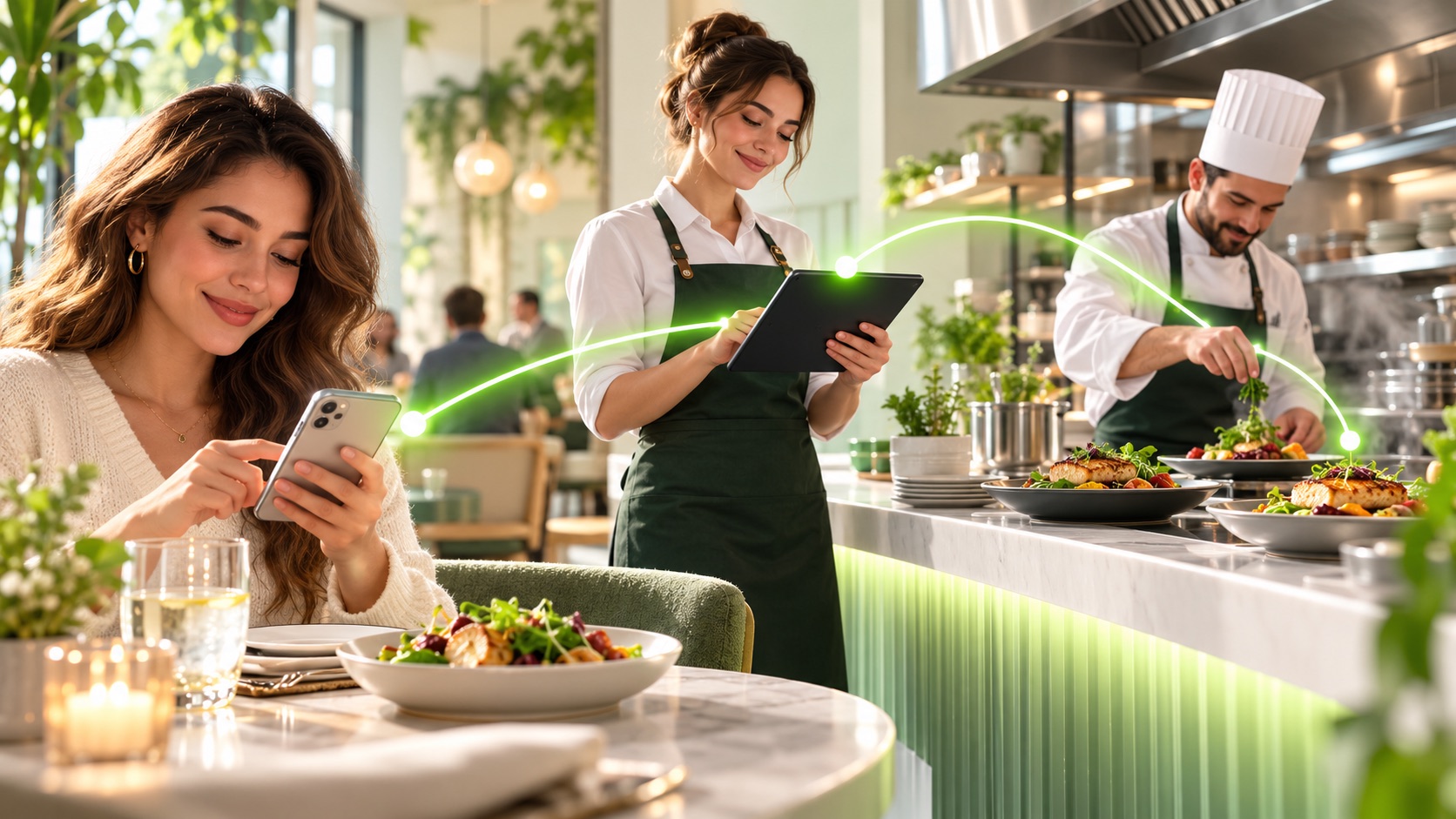
A connected restaurant ordering flow records the selected meal, modifiers, pickup or delivery choice, and contact details; validates availability; sends a clear ticket into an agreed staff or POS workflow; and confirms the accepted order to the guest. A real POS connection and payment flow depend on the restaurant’s systems and approved scope.
THE WORKFLOW
Design the handoff before adding more channels.
This is an implementation scenario based on our interactive restaurant experience. It is a workflow example, not a measured client result.
The decision point: a submitted cart is a request. The agreed staff or POS workflow must accept it before the guest sees an accepted order confirmation. If a connection fails or an item is unavailable, send the request to staff review and tell the guest what happens next.
FROM FIRST CONTACT TO FOLLOW-UP
One clear path, with staff in control.
Guest chooses
A mobile menu captures a dish, extras, fulfillment method, timing, and contact preference.
Team accepts
Availability, price, and timing are checked against the current menu and restaurant rules before the order is accepted.
Kitchen receives
The accepted ticket includes item names, modifiers, quantity, timing, and special handling notes in the agreed system.
WHAT THIS IS BASED ON
Source and scope
This scenario is derived from Automate Planet’s interactive restaurant ordering experience. It documents the decisions a real implementation must handle, including acceptance, item availability, and fallback when a connection fails. It is not a client outcome study.
The linked restaurant experience is an illustrative product walkthrough. It does not process a real meal order. POS compatibility, delivery integrations, payments, and guest messaging are scoped for each restaurant.
COMMON QUESTIONS
What owners ask before they start.
What should happen if an item sells out?
The menu should reflect availability or send the order to a staff review queue before confirming it. The guest needs a clear alternative or refund path.
Can the order go straight to a POS?
Sometimes, if the POS supports a compatible integration and the restaurant approves the mapping and failure handling. Otherwise, staff can review an order queue or kitchen ticket.
When should the guest get a confirmation?
After the order is accepted by the agreed system or by staff. A submitted cart alone should not be presented as a prepared or guaranteed order.
Can the owner change prices and hours?
The demo shows menu, price, and hours controls. A production dashboard should restrict editing access and validate changes before they appear to guests.
MAKE IT YOURS