
Guests order their way.
They choose their meals, extras, and pickup or delivery.
BUILT FOR RESTAURANT OWNERS
Your website, your AI assistant, and your ordering automations, working together to help guests find you, get answers, and order directly.
Explore the business tools. Then try the guest experience.
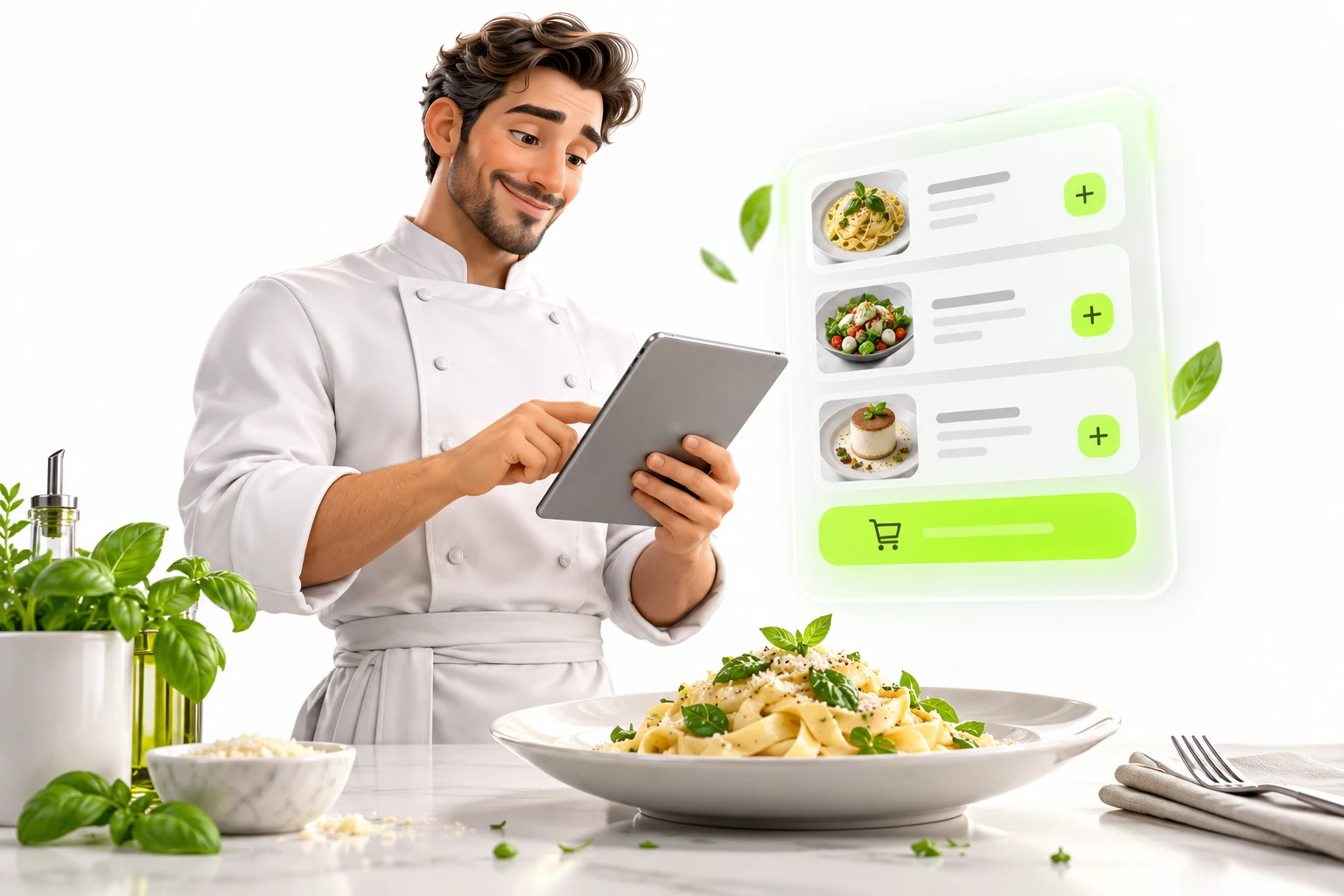 Your brand.
ONE CONNECTED GUEST JOURNEY
Explore each step
TRY YOUR INDUSTRY’S AI RECEPTIONIST
Talk to Marco, your restaurant voice assistant. Try a reservation question or ask how he could help your team while you’re serving guests.
Reservations, menus, and orders.
Voice demo only. Uses your microphone and saves a transcript for follow-up. This conversation does not change your sample order or make a reservation. Use the chat below to build a demo order.
LIVE INDUSTRY DEMO
Speak naturally. Your agent will ask about your business and, if you want a full demo by text, ask for your number and verbal permission.
Connecting…
This illustrative demo uses your microphone and saves a text transcript for follow-up. Please avoid sensitive details. Read our Privacy Policy.
YOUR DAILY CONTROL CENTER
Try the owner’s side.
Track orders and payment status, update your menu and adjust your hours from simple controls. Your team changes the details. The website design stays protected.
Changes in this preview stay on this page; your live dashboard would have private staff access and agreed connections.
No code to learn. Familiar fields for the things that change.
Check before you save. Clear validation and a guest preview.
Your layout stays intact. Staff edit content, not page structure.
NOW TRY IT AS YOUR CUSTOMER
Meet Garden & Table. Add a dish, ask Marco to build your order, then try a confirmation. Your version would use your branding, menu and operating rules.

YOUR RESTAURANT’S AI ASSISTANT
See how he answers guests, explains your menu and helps turn a question into an order.
FROM ORDER TO KITCHEN
Give guests an easy way to order and your team the details they need.
They choose their meals, extras, and pickup or delivery.

Order choices and timing can be routed into your agreed workflow.
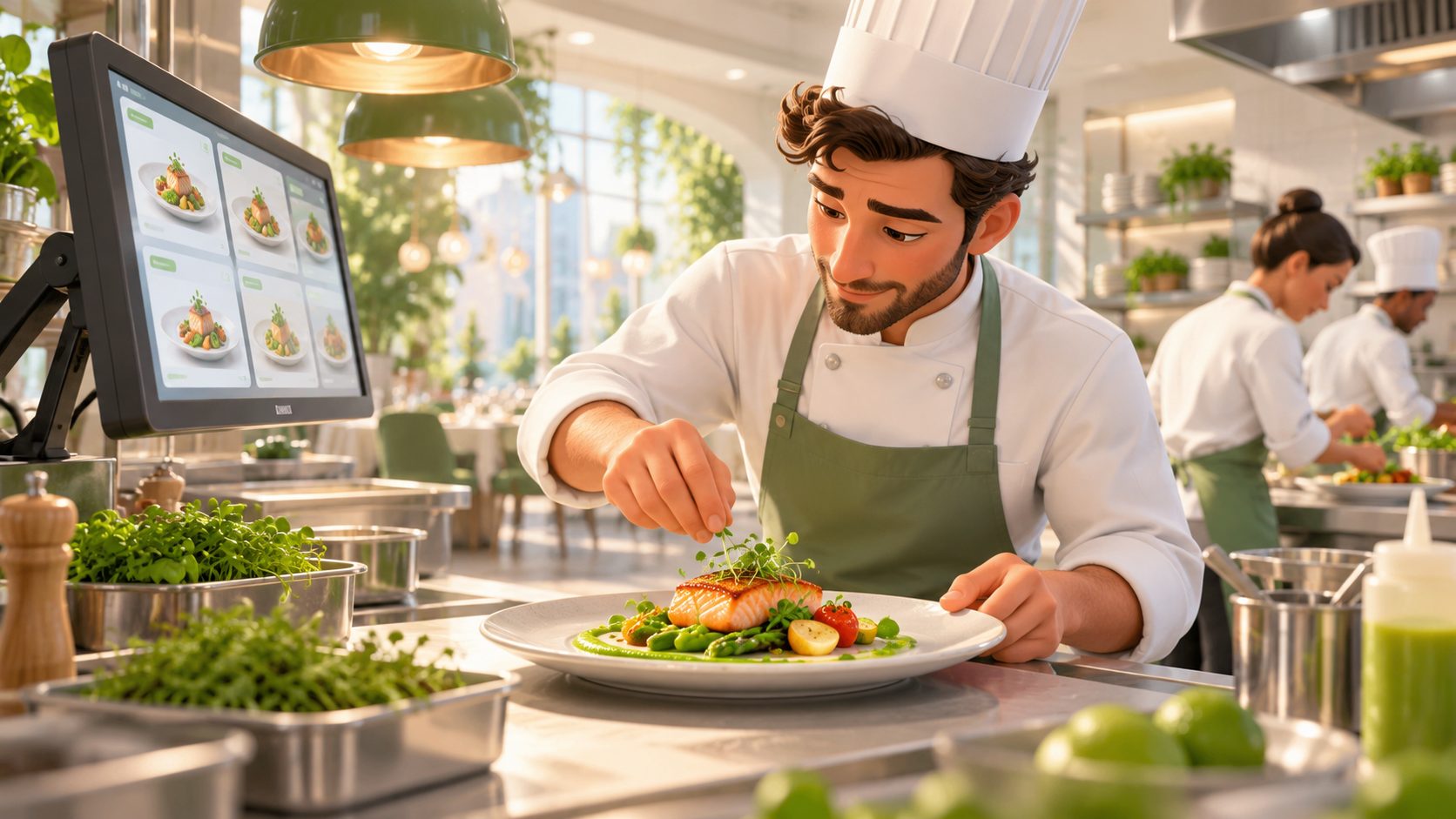
A supported connection can pass the order to your POS or kitchen system.
Try a sample order below. No order goes to a real kitchen; POS connections depend on your setup.
Follow a sample order from the website to the kitchen. Tap the button to move it to the next step.
Add a meal and review your order to see the ticket.
WHAT YOUR GUEST SEES
Messages can be sent when connected and requested by the guest.
Build your own orderANSWERS FOR YOUR RESTAURANT
A branded mobile website for one location with up to 30 menu items, direct ordering with add-ons and pickup or delivery options, owner controls for menu and hours, website chat with 500 replies per month, 500 transactional order emails per month, hosting, maintenance, and one hour of small updates monthly.
Tell us which ordering, customer service and follow-up tools you need. We’ll confirm the scope, costs and any third-party services in your quote.
Yes. Authorized staff can use dashboard controls for menu items, prices, availability and hours without editing the site’s layout. The interactive dashboard on this page uses temporary information.
Yes. The ordering experience can include menu choices, add-ons and your pickup and delivery rules. Your team provides the available options, timing and policies.
We check your POS, available connections and ordering rules before agreeing on a solution. POS and kitchen integrations require a separate quote. We also agree on staff review and fallback steps.
The assistant can answer questions using your approved menu and policies and help guests build an order. It should hand off questions outside its instructions, including allergy concerns, to your team.
Yes. The optional voice receptionist includes up to 300 voice minutes per month. The text assistant includes up to 500 US SMS segments per month, including inbound and outbound. Each is a separate subscription; additional usage requires agreement.
Tell us how many confirmations and follow-up messages you expect. We’ll include the channels and usage you need in your quote. Promotional messages require the guest’s permission.
We can build useful, searchable menu and location content. The optional Local Search Content upgrade includes two content updates per month. Search rankings and sales are not guaranteed.
Your menu, prices, branding, location and hours, pickup and delivery rules, approved answers, and details of the systems you use. We agree on the scope and test the experience with your team.
Yes. We define when questions should go to your team and how staff receive them. Available handoff methods depend on the channel and agreed connections.
You can choose items and request a clearly labeled confirmation. The order, dashboard records, payment amounts and kitchen activity are examples: no food is ordered or payment taken, and no order is sent to a restaurant.
Restaurant ordering
Choose the services you need. We’ll review your locations, current tools and workflow before we put together your quote.
Step 1 of 2 · Your services
Choose the services you’re interested in. You can select more than one.
You can close this form or start another request.
Start with the ordering tools your team needs. Add channels as you grow.